
DELIVERY MANAGEMENT
From one delivery
to your next busy day.
Create a single delivery, organize multiple deliveries, reuse customer details and follow every order from pickup to completion.
Create→Assign→Deliver
CONNECTING DELIVERIES IN KUWAIT
From your store to their door. Bring your merchants, drivers and delivery operations together in one clear, connected platform.
Create. Dispatch. Track. Move smarter.
THE ZONE PLATFORM
Keep the people, decisions and details behind every delivery in the same place.
DELIVERY MANAGEMENT
Create a single delivery, organize multiple deliveries, reuse customer details and follow every order from pickup to completion.
LIVE DISPATCH
Bring driver availability, delivery status and location tracking into your operational view.
REPORTS & INSIGHTS
Explore delivery metrics by date and export reports to Excel or PDF for your team.
A CONNECTED NETWORK
Subscription-based network access connects delivery companies with merchants and helps merchants find overflow delivery capacity.
WORKSPACE CONTROL
Manage team permissions, business profiles and support requests. Each workspace keeps its own operations in focus.
01 / FOR MERCHANTS
From your first branch to your busiest day, the merchant panel puts your own orders, customers and delivery performance in one place.
Complete your business details and submit for admin approval.
INSIDE YOUR MERCHANT PANEL
Create single or multiple deliveries, find an existing customer and reorder in a few steps.
Find drivers, follow delivery progress and manage your branch pickup locations.
View your own delivery metrics, export reports and control your team’s access.
02 / FOR DELIVERY COMPANIES
The delivery company panel brings your drivers, assignments and company performance together so your dispatch team can keep deliveries moving.
Register your company, service areas and fleet types for admin approval.
INSIDE YOUR DELIVERY COMPANY PANEL
Keep driver profiles, availability and delivery assignments organized in one workspace.
Follow active deliveries and driver locations, and respond when an assignment needs attention.
Set vehicle prices within admin-approved distance ranges, explore the merchant network and review your company reports.
FROM FIRST MILE TO FINAL DOOR
Add your business information, branch locations and team access.
Enter pickup and drop-off details, then connect the delivery with a driver.
Track progress, manage exceptions and review the results in your reports.
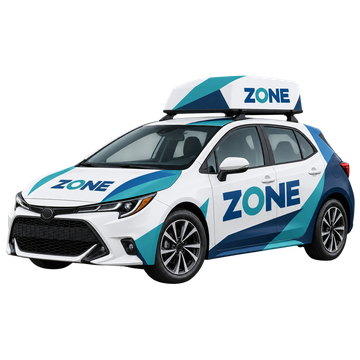
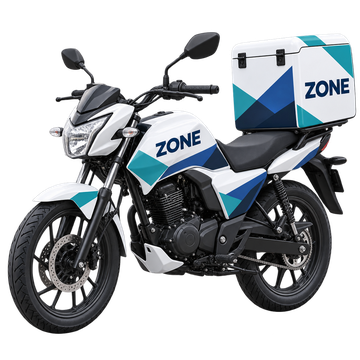
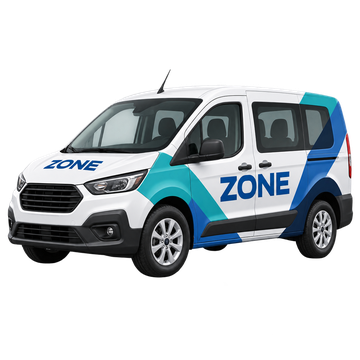
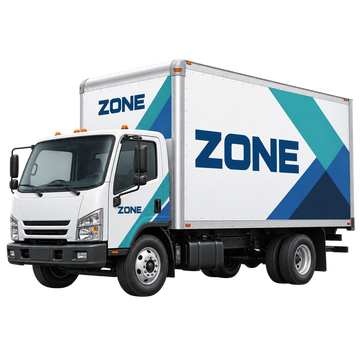
A FLEET FOR DIFFERENT NEEDS
Coordinate deliveries across different vehicle types, with pricing organized around your delivery needs.
ZONE SOLUTIONS
One platform. Connected operations.
A smarter way to move.